Many image to PDF or scanner apps add watermarks to free PDF exports, which can affect contracts, IDs, study materials, and formal documents.
Use case · Image to PDF
Create PDFs without watermark
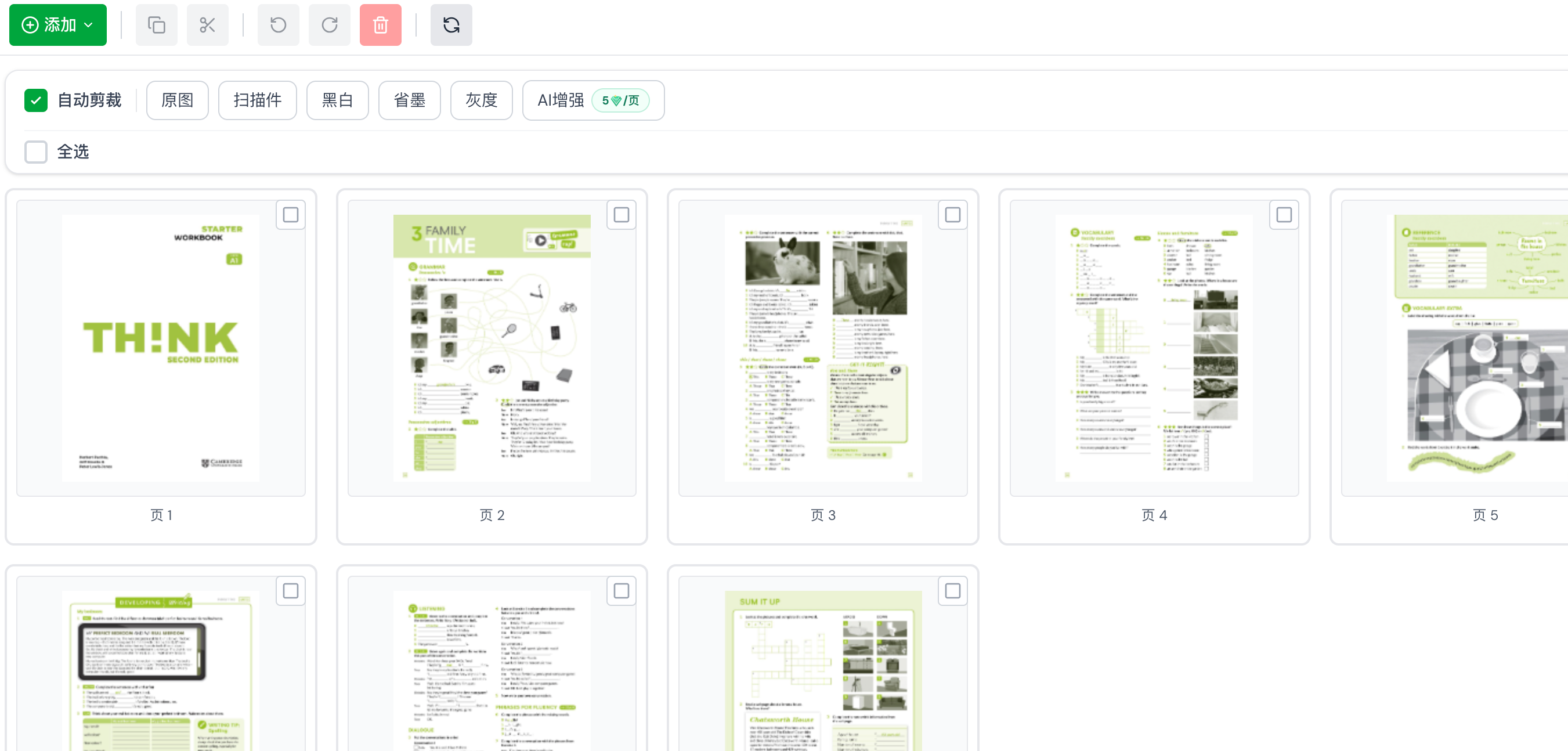
ScanSenren turns photos, scanned documents, and multiple images into PDFs quickly. Free users export without watermarks, there is no page limit, and image cropping, distortion correction, and enhancement help create clearer PDFs for sharing and archiving.
Traditional PDF tools are outdated
When there are many images, some tools limit the number of pages, files, or daily exports, making long documents and receipts harder to organize.
Traditional online tools often require upload, server processing, and download, which takes longer for large images or multi-page PDFs.
ScanSenren compared with ordinary scanner apps
Ordinary scanner apps
- Free PDF exports often include watermarks unless users pay.
- They may limit exported pages, file count, or daily conversion volume.
- Export depends on uploads and intermediate conversion, so multi-image PDFs can take longer.
ScanSenren
- Free users export PDFs without watermarks, ready for sharing and archiving.
- There is no page limit when generating PDFs from images, suitable for photos, receipts, and scans.
- Local native export avoids intermediate conversion and uploads, making the process faster.
ScanSenren makes image to PDF cleaner and faster
No extra watermark removal is needed. Free users can create clean PDFs for resumes, contracts, IDs, and study materials.
Multiple images can be converted into one PDF, making it easy to organize notes, receipts, scans, and project documents.
Export uses local native capabilities to reduce uploads and intermediate conversions. The advantage is clearer with more images.
FAQ
Q: How can I remove watermarks from PDFs exported by ScanSenren?
A: Free users export PDFs without watermarks, so there is nothing to remove.
Q: How many pages can ScanSenren export to PDF?
A: There is no limit.
Q: Why is ScanSenren faster than ordinary scanner apps when exporting PDFs?
A: It uses local native operating system export, with no intermediate conversion and no upload required.